
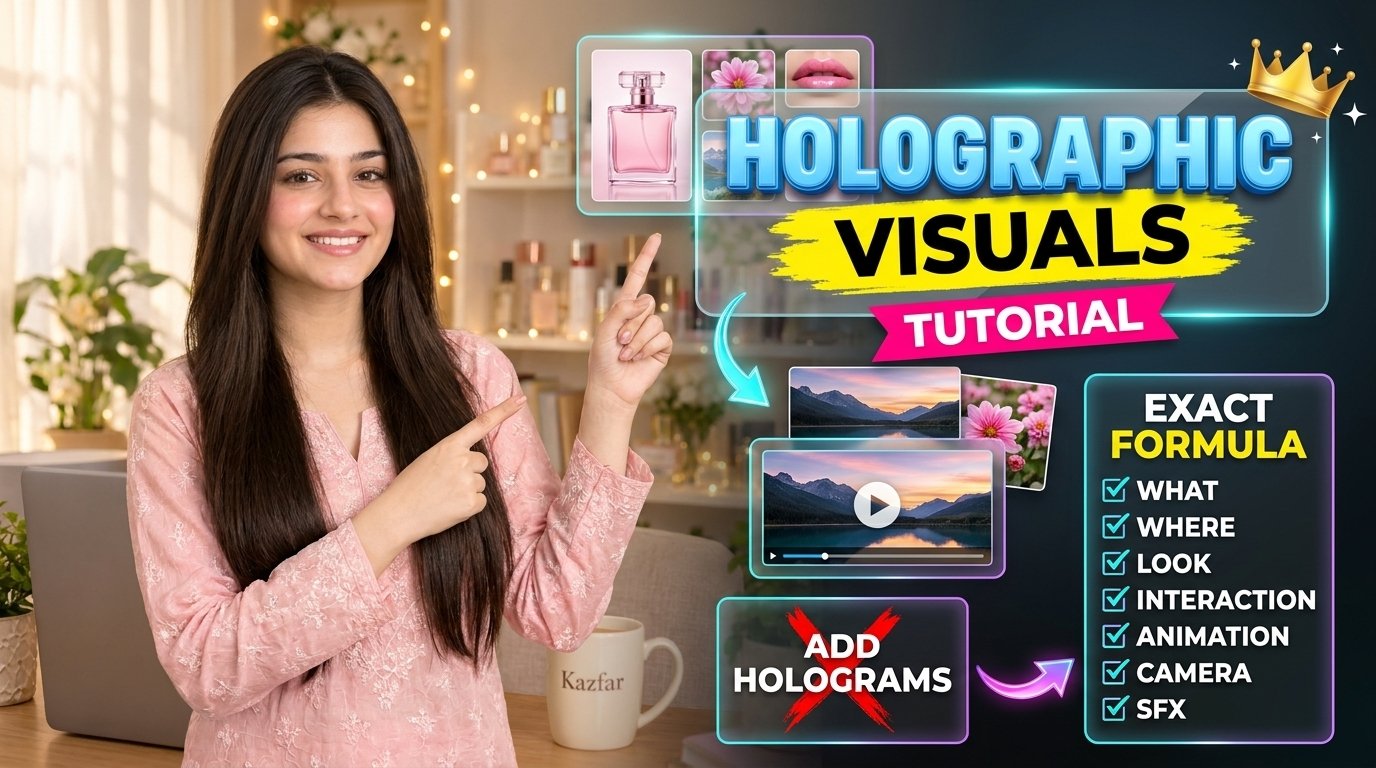
📌 HOW TO USE THIS PROMPT
Ye prompt AI video tool (jaise Google Flow) ke liye hai. Is se 10 second ki ek fast, holographic style video banti hai, jisme aapka character bolta hai aur glass hologram panels aate hain.
STEP 1: Apni image ready karo
Apne character ki ek saaf image upload karo (chehra aur outfit saaf dikhna chahiye). Is ko “reference image” kehte hain. Agar background bhi chahiye, to wohi image use karo jisme aapka background ho.
STEP 2: Prompt copy karo
Neeche diya gaya prompt copy karo.
STEP 3: [ ] wali cheezein badlo
Prompt mein jahan bhi [ ] bracket hai, wahan apni details likho. Baqi lines mat chhedo. Brackets ye hain:
- [CHARACTER NAME]: apne character ka naam
- Character ki shakal aur dress: bilkul waisi jaisi image mein hai
- [LOCATION]: aapka background (jaise studio, office, gali)
- [TEXT]: jo word screen par dikhana hai (1-3 words, chhote aur saaf)
- [DIALOGUE]: jo character bolega
STEP 4: Dialogue likho
Dialogue 24 se 30 words ka rakho. Isko 6 hisson mein baanto (6 shots ke liye). Poora jumla ek shot mein mat rakho.
STEP 5: Pehle ek clip test karo
Pehle sirf ek 10 second ka clip banao. Agar sahi aaye to baqi clips banao. Is se aapke credits bachenge.
STEP 6: Clips ko jodo
Saare clips CapCut mein jodo. Bade text aur website ka address CapCut mein khud add karo, kyunke AI kabhi kabhi spelling galat likh deta hai.
⚠️ AHEM BAATEIN
✅ Ek clip mein 3 se zyada text mat rakho
✅ Har shot mein alag camera angle rehne do
✅ Character aur background ki lines har clip mein bilkul same rakho
✅ Bade text aur website address AI se mat likhwao, edit mein lagao
❌ Prompt ke alfaaz mat chhedo, sirf [ ] badlo
❓ AGAR PROBLEM AAYE
- Sab mix ho gaya? Texts aur actions kam karo
- Video static lag rahi hai? Har shot mein “handheld whip-pan” likho
- Character badal gaya? Reference image dobara upload karo
- Text galat aaya? Usay CapCut mein edit karo
💬 Koi sawal ho to comment karo ya WhatsApp par contact karo.
Copy the 6-Shot Hologram Master Prompt
What is the 6-Shot Hologram Master Prompt?
This free AI video prompt creates a 10-second vertical (9:16) holographic explainer Reel with six fast cuts. Your character speaks to the camera while frosted-glass hologram panels appear around her. It works with AI video tools such as Google Flow and is ideal for YouTube Shorts, Instagram Reels and Facebook Reels.
New to AI characters? First read our guide on how to write better AI video prompts, and use the free character description prompt for Google Flow to keep your character identical in every clip. For the full process from idea to upload, see the AI short video workflow.
Leave a Reply